Interactive learning tools
Building Interactive Demos
I design web-based educational tools that work seamlessly across platforms — from standalone sites to learning management systems such as Blackboard. Here are a few examples currently used with students.
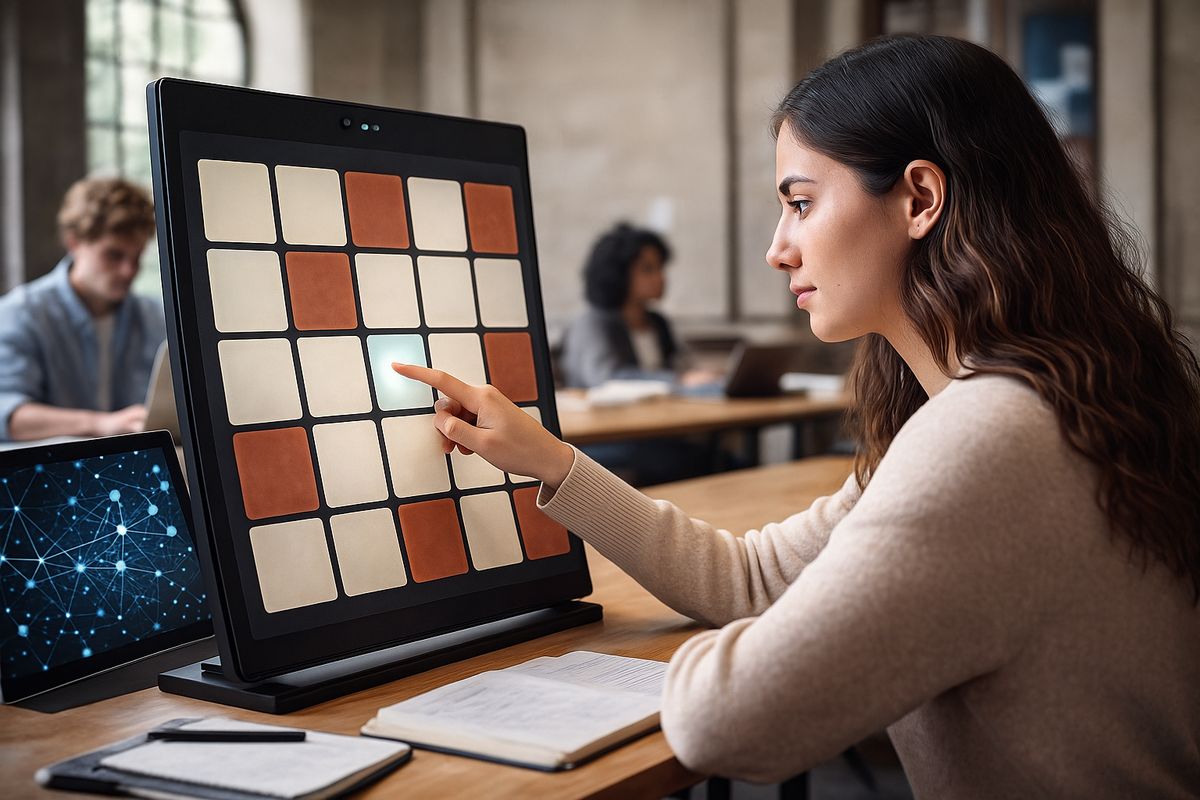
Memory Interactive Experiments
Psychology experiments that let students experience cognitive phenomena first-hand and see their own results visualised.

Central Limit Theorem Explorer
An interactive statistics tool where students manipulate sample sizes and watch distributions shift in real time.

Developing Brain Timeline
A slider-based timeline walking through brain development from birth to age eight, with stage-appropriate teaching approaches.
Your Turn: Create Your Own!
These demos were all created with AI assistance. You can use the same approach to build a small, self-contained interactive page for your own topic — a quick simulation, visual, or explainer tailored to the content you teach.
Copy–paste this into an LLM and customise the topic and age group:
Getting it into Blackboard
Use the prompt in an LLM.
Copy the full HTML file.
Add a new item in Blackboard.
Switch to HTML view and paste.
Test as a student would.
- Start simple — one clean interaction is better than a complex demo that breaks.
- Ask the LLM to explain the code so you can customise it later.
- Test locally by saving the HTML file and opening it in your browser.
- If something doesn't work, paste the error back into the LLM and iterate.
- Self-contained files (HTML + CSS + JS together) embed most reliably in Blackboard.